
Begin with a public dispute
Who inherits the charter? Who controls the harbour? Choose a question that people can debate and the party can influence.
Every position has a price.
Five negotiators gather over maps and sealed letters. Prepare the public positions, private interests and difficult choices that turn a political dispute into an adventure.
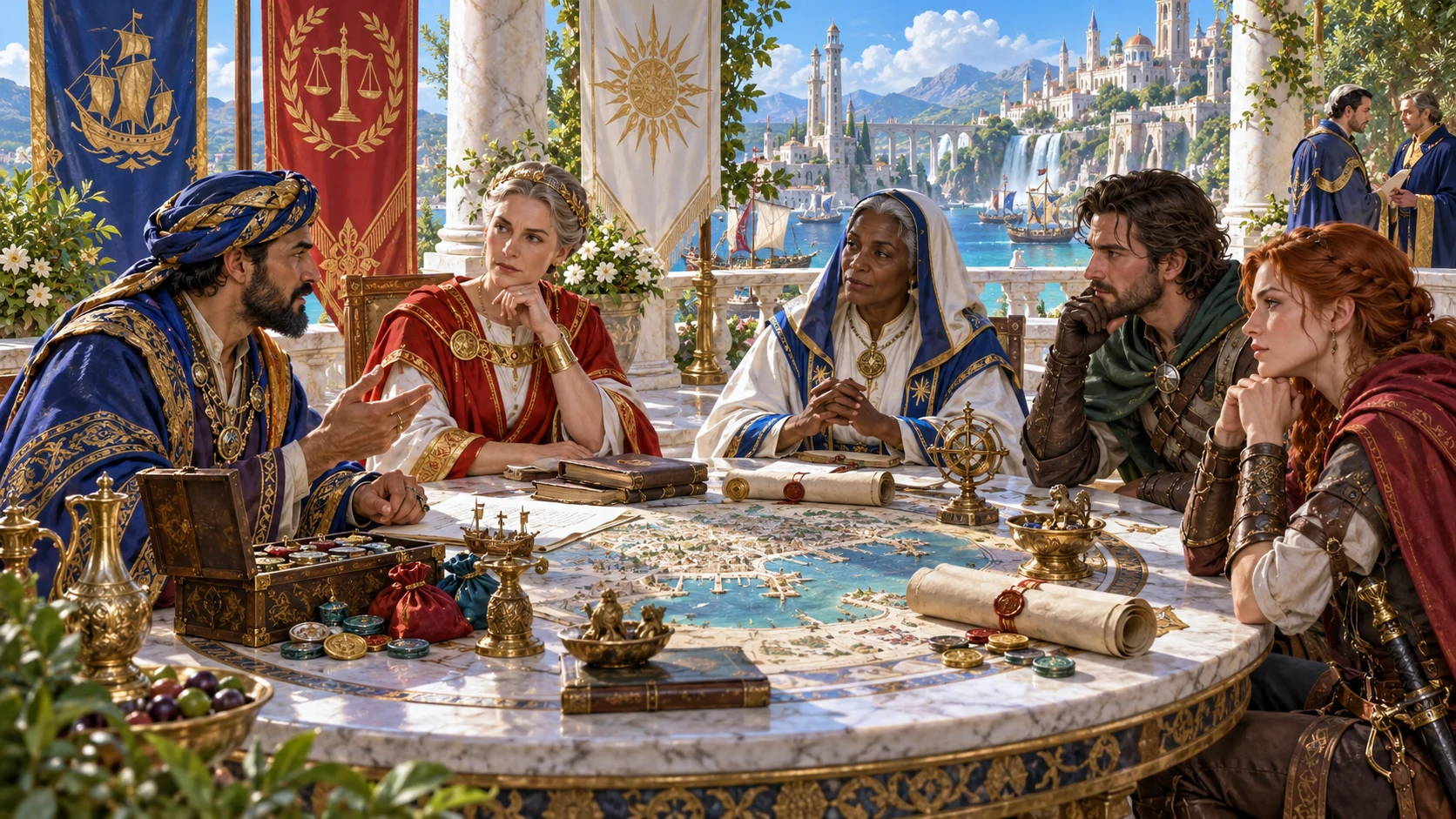
Pressure the party can understand
Make a council decision, contested charter or succession worth investigating.
Who inherits the charter? Who controls the harbour? Choose a question that people can debate and the party can influence.
A participant can defend one public position while needing something else. Compare goals, leverage, offers and limits before deciding how they respond.
Secrets and clues give the party ways to investigate. Decide what each clue really proves, what it costs to obtain and who benefits from its discovery.
Review several proposed resolutions. Negotiate, expose, invoke law or face a violent flashpoint; choose consequences that follow the table’s actual decisions.

Arrange the interests
Tabletop companions arrange political figures in a miniature council chamber. The illustration suggests placing people and interests in context, not an application screen.
Start with the issue, then decide who has standing, what each person can trade and which facts should stay with the DM. Use the draft to prepare a coherent situation for your own campaign.
From question to pressure
A draft becomes useful through your review.
Set scale and central issue, or choose a preset. Deep exposes more controls; Quick still uses the current values of hidden controls.
Compare participant goals with offers, needs and leverage. Review alliances, rivalries, schemes, evidence and proposed escalation together.
Check participant references and the player briefing. Edit the structured JSON, validate it and review its meaning before saving or sharing.
Save a reviewed record with campaign notes, or copy/download JSON. An earlier result is only displayed until you explicitly Save it as current.
Your intrigue toolkit
Use the current tools with a deliberate editorial pass.
Choose court, city, realm or international scale and name the dispute. Start with succession, trade, law, religion, reform or war; shape the draft around the decision your party can influence.
Generate three to eight participants with public positions, private goals, leverage, offers, needs, deal breakers and betrayal conditions. Review their motives and replace details that do not fit your campaign.
See participants connected by alliances and rivalries, with reasons beside each edge. Relationship locks are tracked, while a participant reroll retains the existing network rather than rebuilding unlocked edges.
Use the draft secrets, scandals, schemes, clues and escalation ladder as preparation. Check every referenced participant, especially with fewer than five participants; validation does not verify all connections.
Review negotiation, exposure, legal and forceful paths, with concessions and consequences. The draft leaves the result to your table; it does not run a live political simulation.
A participant reroll keeps their identity and name while replacing other details. Linked schemes, graph labels and player briefing remain unchanged, so review and reconcile them before play.
Save a reviewed intrigue with campaign notes in your entitled VISINVOKE account. Open current or earlier results, or duplicate a record for a separate variant. Saving again with the same identity replaces the current record.
Choose Full DM dossier or Player-known briefing, then copy or download that view as JSON. Review edited briefings yourself; printing needs a preview check and the full DM editor closed.
Quick or Deep
The form describes the starting dispute; it does not simulate political turns.
Court, city, realm or international scope frames the premise. Write the central question in campaign terms, then review how the template supports it.
Three to eight participants form the draft network. Faction involvement changes their affiliation pool; adapt generated labels to organisations you established.
Secrecy, corruption, tone, time pressure and scandal are descriptive settings. Some settings label the draft rather than changing its structure; judge the actual content.
Themes supply a starting subject, with the first selected theme helping title the draft. Violence risk controls whether the exceptional flashpoint is eligible for preparation.
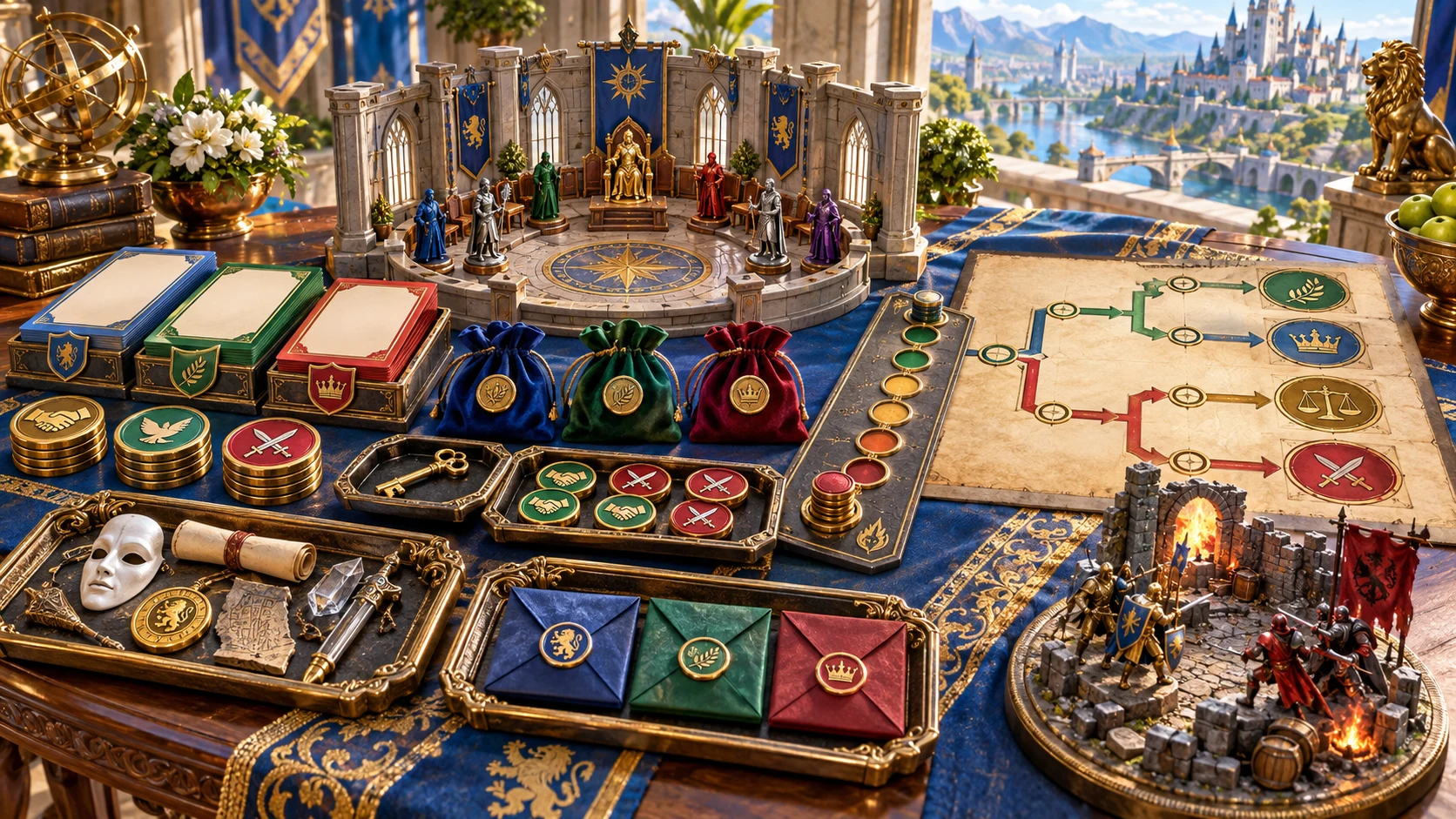
A political preparation package
Coloured dossiers, sealed letters and branching choices surround a council model. A separate battle scene suggests an exceptional violent flashpoint within a wider political situation.
The DM dossier contains participants, leverage, schemes, secrets, clues, escalation and possible resolutions. Player-known briefing is a separate audience view that you must review before sharing.
Revise with the links in view
Rerolling is a starting point for your next review.
The name and identity remain while other details change. Keep roster settings consistent, then compare the replacement with the role you want this person to play.
Existing edges remain, including unlocked edges. Locks are tracked, but the participant reroll does not rebuild only the unlocked parts of the graph.
Linked schemes, graph labels and player briefing remain unchanged. Check secrets, public positions and related references after a reroll or structured edit.
The seed alone does not recreate the same draft: the generation sequence advances. Keep the JSON or an account record rather than relying on the seed alone.
Prepare with judgement
Choose the audience and establish the facts yourself.
Draft schemes can refer to absent participant IDs with fewer than five participants. Check every reference and edit it to fit your roster; validation does not verify all connections.
This view is not an automatic secrecy filter. Clue references and any edited public content need review before Copy, Download or printing.
Close the full DM JSON editor before Print. The window can print other visible material, so check the entire preview before a player-facing handout.
This is not a live political simulation. Faction tools create organisations; Kingdom tools create realms. This generator prepares the active dispute and its possible choices.
Choose access for your toolkit
Begin with a free VISINVOKE account, then review your required selection and subscription.
Select Political Intrigue Generator individually. A free account does not by itself include paid generator access.
Choose five eligible standalone generators. Review tools and terms in your account; the selection pack does not include every VISINVOKE product.
Choose more selection capacity when it suits your toolkit. Review current tools and reselection terms before changing your subscription.
Combat PRO, Battlemaps and image products retain their own access requirements. Linked tools are separate from this generator selection.

Save keeps the result and campaign notes in your entitled account library, with up to ten prior results. Earlier-version Open displays the result; Save makes it current.
Same-seed drafts share a record identity and replace its current result when saved. Duplicate a saved record to keep a separate variant; review the notes you are saving with it.
Saving replaces the whole library. Separate open sessions can overwrite other edits, so coordinate work and keep JSON copies of important material.
A selected eligible flashpoint sends an objective and context to Combat PRO. It supplies no generated combatants or map and does not start active combat.
Open does not restore the generation form, seed or sequence. Check these controls before creating a new draft or rerolling an opened record.
Build your tabletop toolkit
Each card opens its own public website. Review purpose and access separately; links do not promise included access or automatic synchronisation.

Discover and open your supported Windows products through one connected VISINVOKE account.

Explore environment packs for tactical locations and the places your encounters unfold.
Prepare opposition and run tabletop encounters through a separate product with its own access.
Create focused character, monster, item and location images to complement your tabletop preparation.

Create guided commercial visuals for websites, brochures and wider creative projects.
Explore a separate futuristic RPG experience with its own world, characters and progression.
Product artwork illustrates political negotiation and tabletop preparation, not application screens or actual generated image output.
Quick answers
Understand the result and its limits before opening the tool.
Quick shows a smaller set of controls, while Deep exposes participant count, factions, secrecy, corruption, violence, tone, time pressure, scandal and themes. Quick still uses the current values of hidden controls. Some settings label the draft rather than changing its structure, so review the actual result. Presets supply starting form values; they do not guarantee a distinct, fully simulated political system.
The result depends on the seed, generation sequence and form values. Generate again advances that sequence, so the seed alone does not recreate the same draft. Keep the JSON or an account record for an exact result. Successive drafts with the same seed share a record identity; saving them replaces that current record and retains earlier results. Duplicate a saved record when you want a separate variant.
The selected participant keeps their identity and name, while other details are replaced. The existing alliances, rivalries and graph edges remain, including unlocked edges. Schemes, secrets, graph labels and the player briefing are not automatically reconciled. Check those linked sections and keep the roster settings consistent before a reroll. There are no separate controls to reroll only a secret, scheme or consequence.
The generated briefing separates public positions from the main DM dossier, but it is not an automatic secrecy filter or permissions system. Edited briefings and clue references need your review. Copy and Download use the selected view without a validation step. Before Print, close the full DM JSON editor and check the entire preview, because printing the window can include other visible material. Share only the content you intend the audience to know.
Save validates the current result and stores the account library with your campaign notes, keeping up to ten prior results on a record. Open an earlier result to inspect it; Save is required to make it current. Open does not restore the generation form, seed or generation sequence. Account saving requires a signed-in desktop session and the selected generator entitlement. Separate open sessions can overwrite the whole library, so coordinate edits and keep important JSON copies.
Only a selected eligible exceptional violent flashpoint sends its objective and political context to a prepared Standard encounter. Low violence does not offer an eligible transfer. The handoff does not include the wider schemes, secrets, a map or generated combatants, and it does not start active combat. Combat PRO access and a free prepared slot within your plan are required; repeating the same intrigue and scene is recognised as a duplicate. Review and equip the prepared scene in Combat PRO.
Continue in VISINVOKE
Create a free VISINVOKE account and choose required standalone generator access.
Get Desktop Command Centre from your account installer page. Sign in on Windows, then open Political Intrigue Generator.